v1.5

Minor Versionm

by Michael Bitner

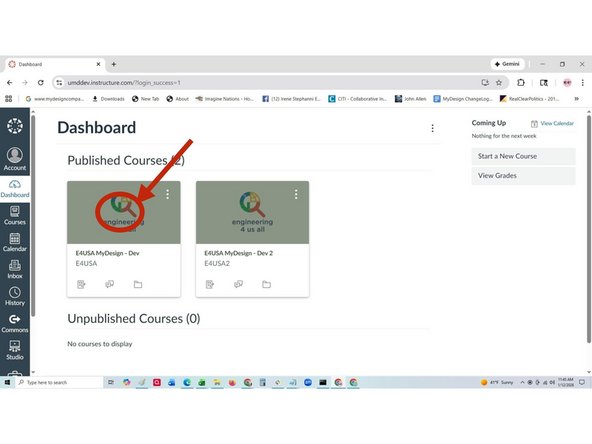
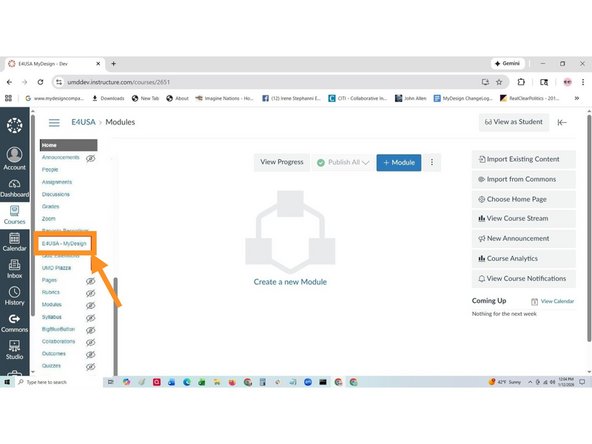
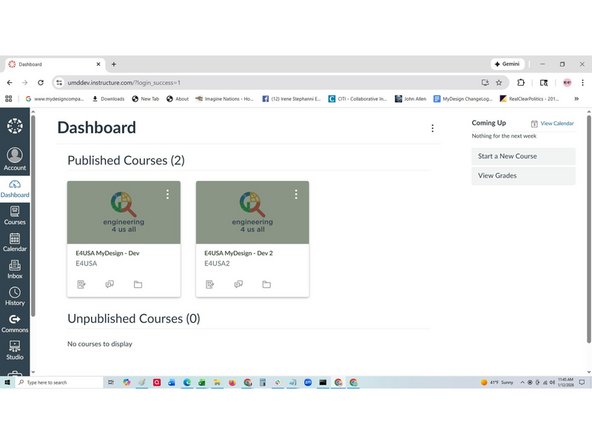
  1. Log into Canvas and select your local course on the Dashboard page Select e4usa - MyDesign
    • Log into Canvas and select your local course on the Dashboard page

    • Select e4usa - MyDesign

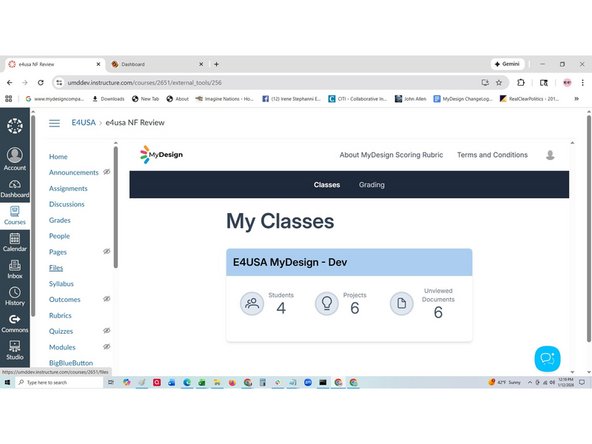
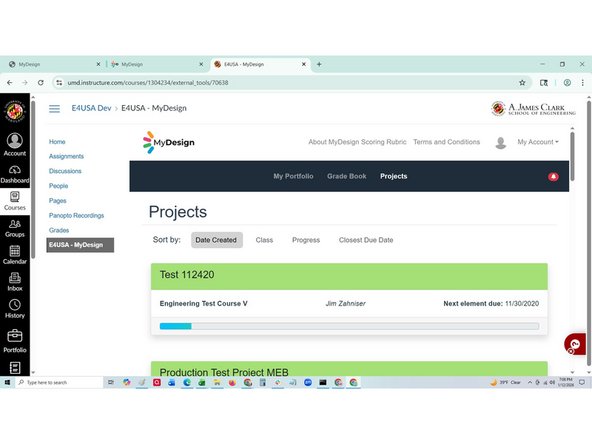
  2. My Classes is the teacher landing page Projects is the student landing page
    • My Classes is the teacher landing page

    • Projects is the student landing page

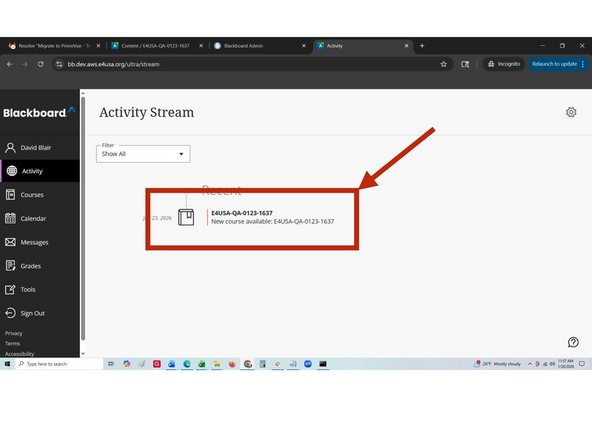
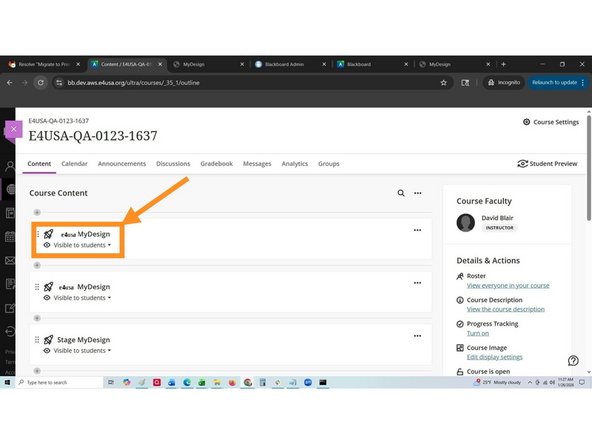
  3. Log into Blackboard and select your local course Select e4usa - MyDesign
    • Log into Blackboard and select your local course

    • Select e4usa - MyDesign

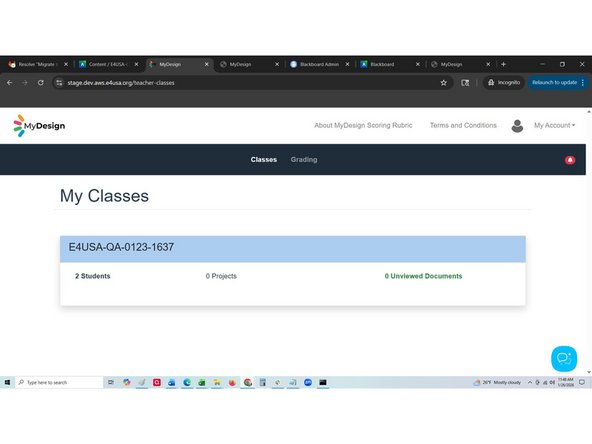
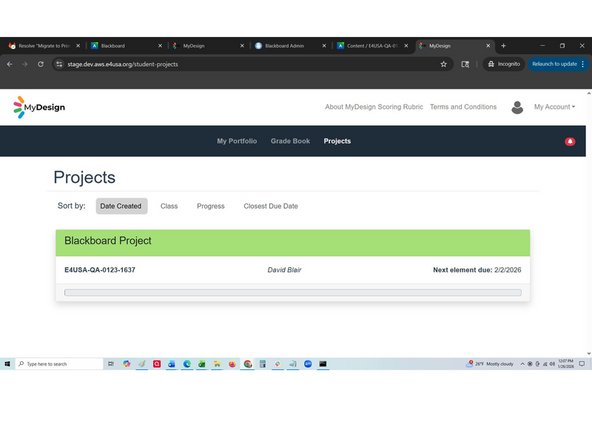
  4. My Classes is the landing page for teachers when logging in Projects is the landing page for students when logging in
    • My Classes is the landing page for teachers when logging in

    • Projects is the landing page for students when logging in

Finish Line

Michael Bitner

Member since: 6/21/22

1 Reputation

8 Guides authored

Team

Engineering For US All Member of Engineering For US All

5 Members

29 Guides authored

0 Comments

Add Comment