-
-
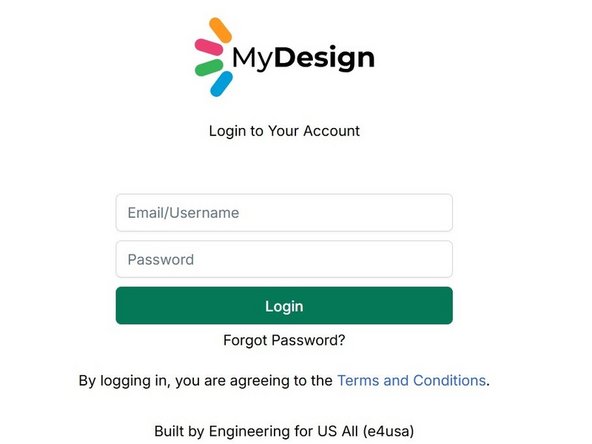
Navigate to https://mydesign.e4usa.org in your web browser.
-
-
-
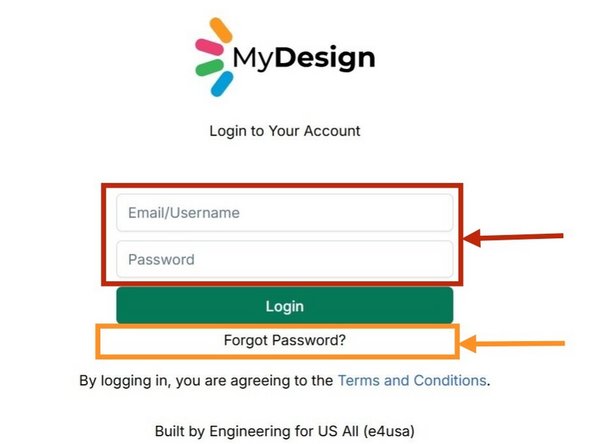
Enter your Email/Username (your email address) and your Password.
-
Use the Forgot Password? link if you need to reset your password.
-
-
-
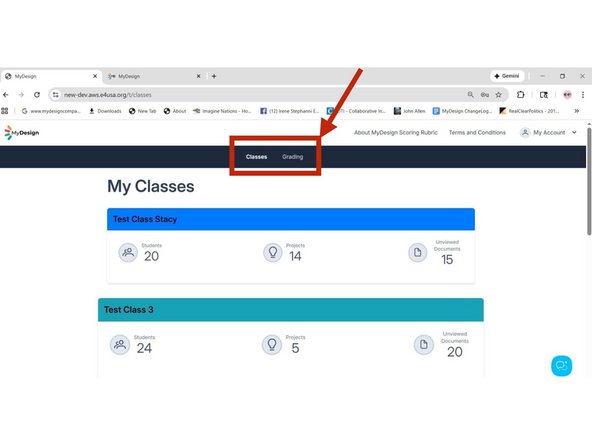
My Classes is the landing page for teachers when logging in
-
Teachers have access to Classes and Grading screens
-
-
-
My Classes is the landing page for admins when logging in
-
Admins have access to Classes, Grading and Management screens
-
-
-
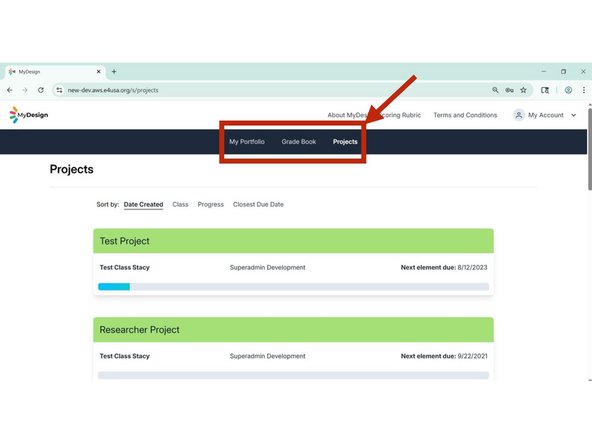
Projects is the landing page for students when logging in
-
Students have access to Portfolio, Gradebook and Projects screens
-

Cancel: I did not complete this guide.
One other person completed this guide.

Team
