-
-
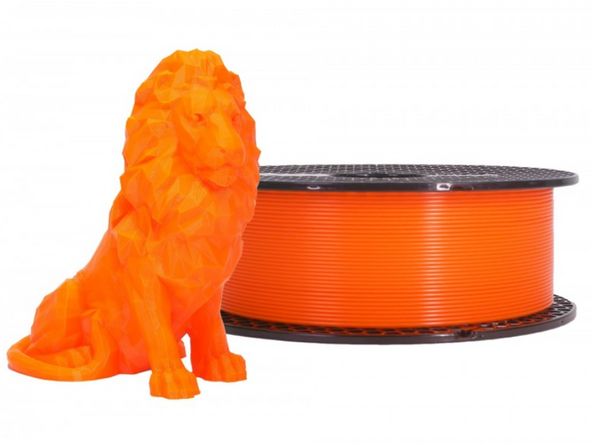
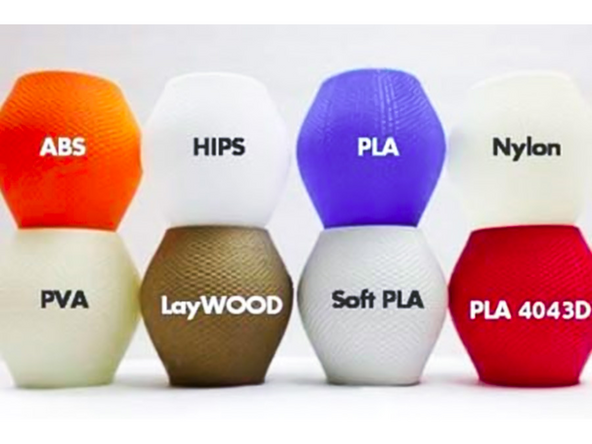
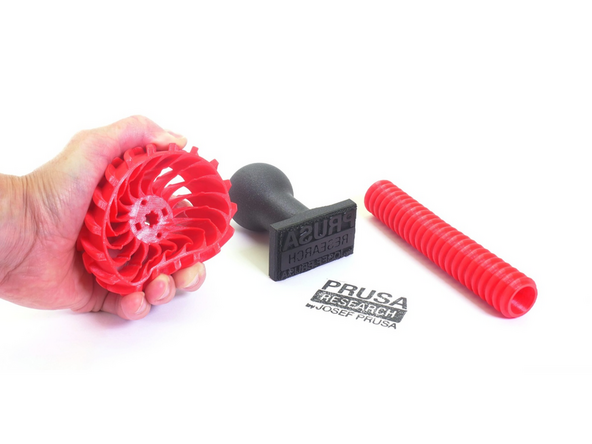
FDM 3D printers can print in a variety of thermoplastics. A thermoplastic is just a type of polymer that becomes pliable, moldable, and soft when heated and solidifies upon cooling.
-
The choice of material when 3D printing will impart physical properties to the final part and require different print settings, such as nozzle and bed temperature, and speed.
-
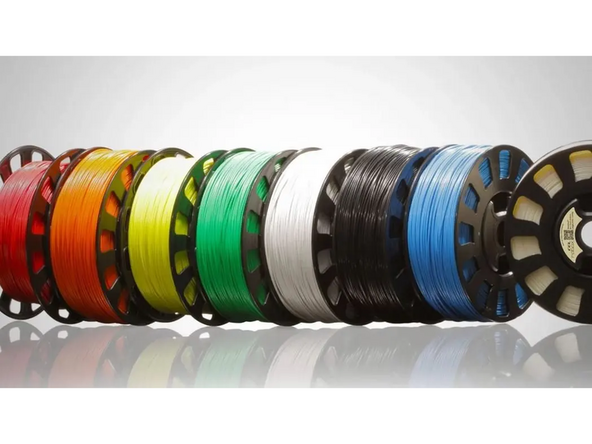
For all of Terrapin Works FDM 3D printers, the thermoplastics are in the form of spooled filament, with a diameter of 1.75mm.
-
Some printers are instead designed to except pellets of plastic, but these are very rare nowadays.
-
-
-
The type of material you print must be properly selected during slicing. If the material in the file is mismatched to the material on the printer, it will clog the extruder.
-
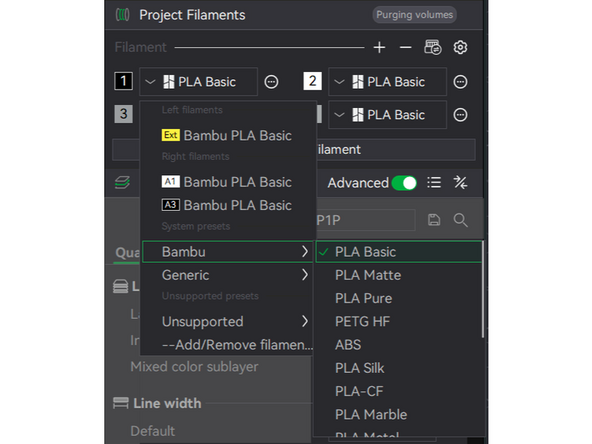
The filament profile can be selected at the top of the right sidebar in BambuLab. BambuLab comes preloaded with a variety of filaments. We use the Bambu profiles.
-
Most of our Bambu printers are equipped with an AMS, allowing us to load four different filaments into one printer (you will learn more about them later).
-
To see and add more filament options, select the settings icon in the top right of the Filament section.
-
-
-
PLA stands for Polylactic Acid. It is the most common type of 3D printing filament, both for Terrapin Works and the broader community.
-
PLA is cheap and easy to print but has low durability and heat resistance. We charge 10 cents per gram of PLA printed.
-
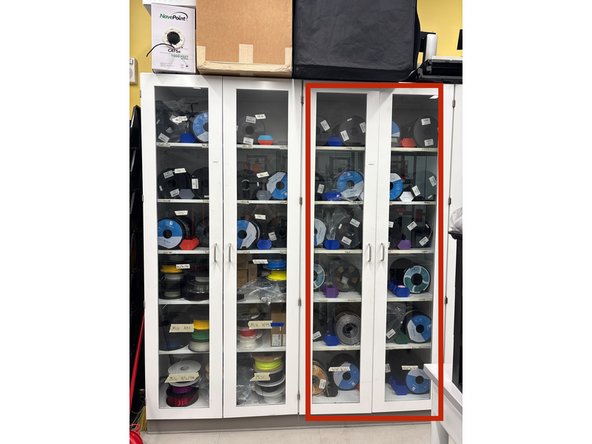
In the AFL, PLA is stored in FabFarm Cabinet 2.
-
-
-
PETG stands for Polyethylene Terephthalate Glycol. It is the next most common filament for Terrapin Works.
-
PETG is still relatively low cost, but has a higher durability and heat resistance than PLA. It is often selected for parts under that will handled frequently or be put under minor loads. It is not as good at printing details, bridges, or overhangs. We charge 20 cents per gram of PETG printed.
-
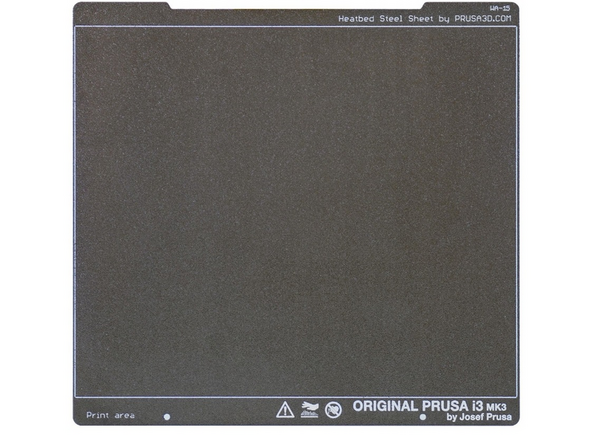
PETG must be printed on the textured build plates only. PETG has such high adhesion to the build plate that removing it from the smooth build plate can cause damage.
-
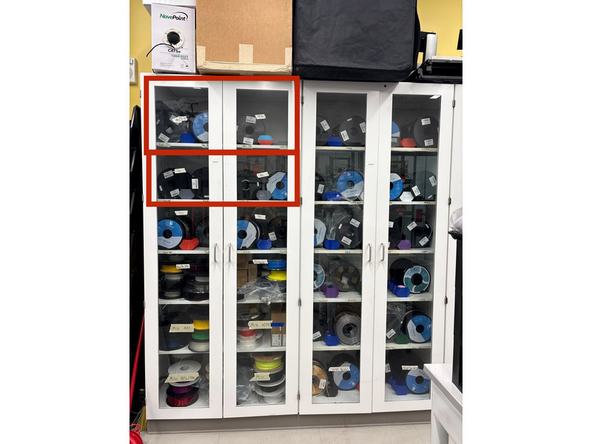
In the AFL, PETG is stored on the top half of FabFarm Cabinet 1.
-
-
-
ABS stands for Acrylonitrile Butadiene Styrene.
-
ABS is still relatively cheap and prints with similar mechanical properties to PETG. Importantly, it's surface can be smoothed using Acetone. We charge 20 cents per gram of ABS printed.
-
ABS has several downsides. It warps significantly causing printing problems, the fumes it offputs during printing are not good to inhale, and it requires an enclosed 3D printer to print properly.
-
ABS must be printed on an enclosed printer
-
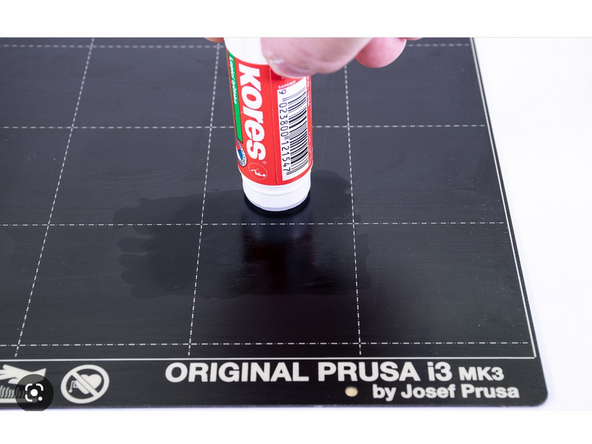
When printing with ABS, apply a thin layer of glue from a gluestick to the build plate to increase adhesion.
-
In the AFL, ABS is stored on the middle shelves of FabFarm Cabinet One.
-
-
-
TPU stands for Thermoplastic Polyurethane. It is the only filament we offer that is flexible.
-
TPU results in parts that are flexible, durable, and chemically resistant, but is more difficult to print in and is more expensive. We charge 30 cents per gram of TPU printed.
-
When printing in TPU, use a textured build plate and apply a glue stick. This is to aid in part removal post print as TPU bonds strongly to the bed.
-
In the AFL, TPU is stored on the lower shelves of FabFarm Cabinet 1.
-
-
-
Customers will typically select the type of filament they wish to print in, but it is important to know the basics of each of our options so we can recommend the correct choice when needed.
-
We store additional spools of filament in the Terrapin Works offices, in room 1103 of the TAP building.
-
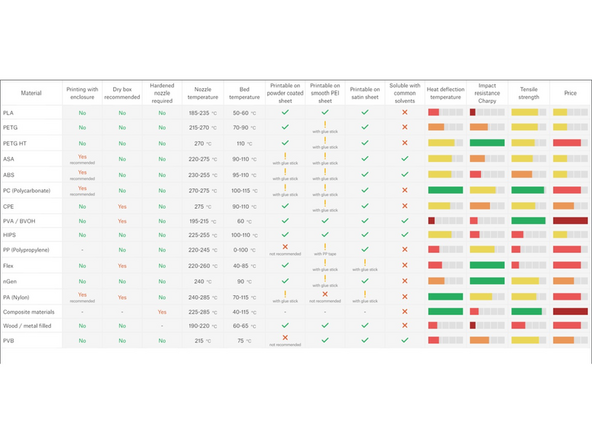
Prusa provides a helpful comparison table of 3D printing materials. It can be useful as a quick reference. The provide a digital copy here and we have printed versions posted in the FabFarm.
-
In conclusion, you have learned the uses, pros, cons, and basic print settings for PLA material. Please let a TS know you are finished the guide so they can check you off.
In conclusion, you have learned the uses, pros, cons, and basic print settings for PLA material. Please let a TS know you are finished the guide so they can check you off.
Cancel: I did not complete this guide.
3 other people completed this guide.

